

Sooner or later, every growing Boston office has the same conversation. The cloud phone system is in, the team is on video calls all day, everything moved to cloud apps — and the shared cable line that was fine for a ten-person startup is now the bottleneck everyone blames. The upgrade question follows: is dedicated fiber worth it, what does the build involve, and what does it really cost?
This guide walks the comparison the way we run it in client evaluations: what each technology actually is, the differences that matter for voice and video, what a fiber build involves, and how the numbers compare on a realistic timeline. Pricing ranges are illustrative and verified September 2026 — street pricing through advisors runs lower.
What Shared Cable Actually Is
Cable internet — the coax line most Boston offices already have, often from Comcast/Xfinity — was built for one-directional TV delivery. Internet over it works by splitting a neighborhood node among every subscriber on it. You get strong download speeds at a low price because that shared capacity is cheap per megabit, and because the design assumes not everyone uses the network hard at once.
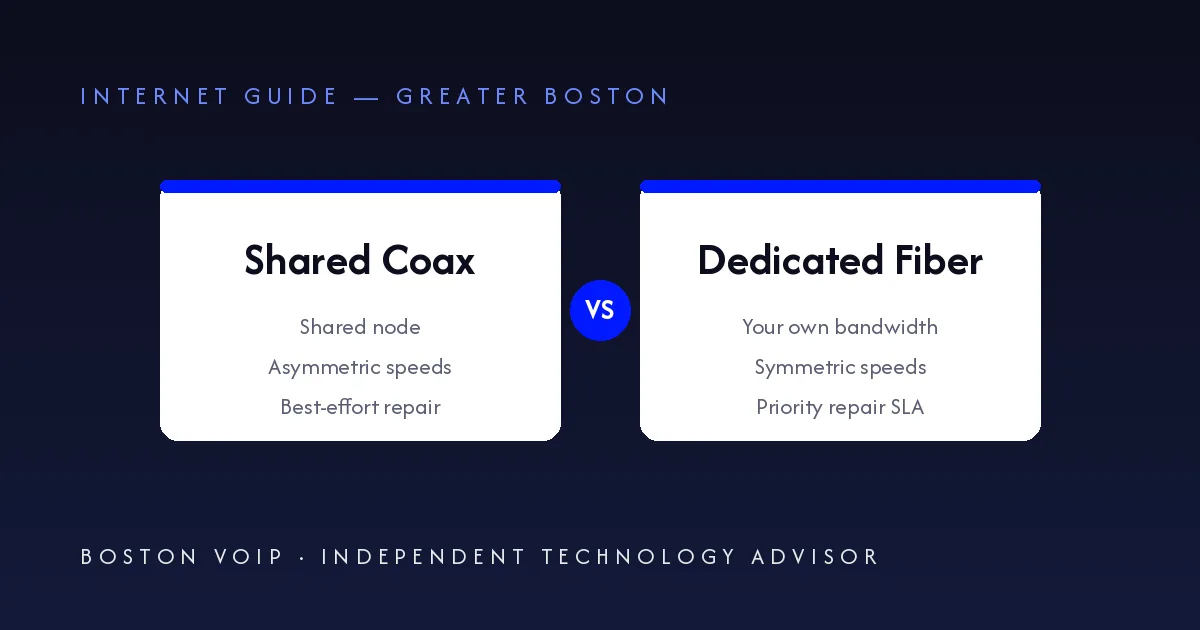
That assumption breaks in two predictable ways. First, the sharing is real: when your neighbors hit the node at 7 PM, your consistent throughput drops, and latency — the number that decides how a phone call feels — gets uneven. Second, cable is asymmetric by design: upload is a small fraction of download, because TV-era networks barely needed upstream capacity. Your 300-down connection might carry 20 or 30 up, and everything your business sends — calls, video, files to cloud apps — lives on that skinny upstream.
What Dedicated Fiber Actually Is
Dedicated fiber — carriers sell it as Dedicated Internet Access, or DIA — is a circuit with your name on one end of it. Nobody else's traffic touches it. Two properties follow, and both matter more than raw speed:
- Symmetric bandwidth. Your upload equals your download. A 300/300 circuit uploads at 300 — the direction calls, video, and cloud backups actually consume.
- A contractual SLA. Dedicated products carry measured response and restore targets with priority dispatch when something breaks. Shared-grade service is best-effort: the truck roll queue does not care that your phones are down.
There is also a middle tier worth knowing: shared fiber (the consumer-style gig fiber tiers now widely available around Boston). It runs on fiber's low-latency plant and offers much better upload than cable, but it is still contended — no guaranteed capacity and no hard SLA. It is the right answer more often than true dedicated is, and it prices far closer to cable than to dedicated.
The Differences That Matter for VoIP and Video
A phone call is a small, steady, two-way stream — roughly 100 kilobits per second in each direction. Twenty-five simultaneous calls need about 2–3 Mbps of upload, which any modern connection has. So no, VoIP does not require fiber, and a shared line carries calls fine most of the day.
What degrades call quality is not capacity — it is variability. Jitter and packet loss spike when a shared node is congested or when your own upload saturates (a large backup or a video-meeting-heavy afternoon does it). That is why the office that "has plenty of download speed" still has calls that sound robotic at 2 PM: the upload half of the circuit is the one the calls live on, and it is the half shared cable never had.
Symmetric, uncontended capacity fixes exactly that. It is also why we start every phone system evaluation with the circuit underneath it — the platform matters less than the pipe it rides on.
What a Fiber Build Actually Involves
The first question is whether your building is already lit — served by a fiber carrier with spare capacity to your floor. If it is, activation is an installation, not a construction project: typically days to a couple of weeks after ordering, often with the setup fee waived against a term.
If it is not lit, the carrier runs a site survey: distance to the nearest fiber point of entry, available conduit, riser access, and any right-of-way or permitting work. The survey produces the construction scope, and the scope produces the two honest numbers:
- Timeline. Survey-to-lit commonly runs 30–90 days when construction is involved, occasionally longer in dense districts where permits and building access take time. Any quoted date before the survey is a guess.
- Construction cost. Non-standard builds carry real one-time charges — and they are negotiable. Carriers routinely waive or credit construction against a 12–36 month term, and waiver amounts vary a lot between carriers bidding the same building. We have seen four-figure construction charges waived in carrier bids; that is advisor leverage working as intended.
One caution: a construction waiver is usually conditional on completing the term. Break the contract early and the waived charges typically come due. Treat the waiver as real money, and the term as the price of it.
The Cost Picture, Honestly
Illustrative ranges, verified September 2026 — street pricing through advisors runs lower, and Boston building availability moves every number:
| Service | Typical monthly | What you get |
|---|---|---|
| Shared cable (business coax) | ~$50–$150 | Fast downloads, thin upload, contended node, best-effort support |
| Shared fiber (gig tier) | ~$80–$200 | Fiber latency and much better upload, still contended, no hard SLA |
| Dedicated fiber (DIA) | Low hundreds to $1,000+ | Symmetric committed bandwidth, uncontended, contractual SLA and priority repair |
Read that table over the life of a contract, not month one. The dedicated line costs multiples of cable — that is the honest headline. What offsets it is what downtime, bad calls, and thin upload cost your business, plus whatever construction gets waived to win the term. Our Boston VoIP cost guide covers the full TCO method on the phone side; the same discipline applies here.
Pair It With Redundancy
A better primary still fails — construction crews cut fiber in Boston roughly once per quarter somewhere downtown, and the cause does not care about your SLA. The design we deploy most: dedicated or shared fiber as primary, cable or wireless failover as secondary, never the same provider on both paths. The full design — dual WAN, LTE backup, and the testing cadence that makes it real — is in our internet redundancy and failover guide and our failover service.
Which One Fits Your Office
Shared cable is still fine for a small team that mostly downloads — browsing, email, streaming — with light calling and no servers. If calls are rare and nobody complains at 2 PM, upgrade nothing.
Shared fiber is the sweet spot for most growing offices: all-day cloud phone use, constant video meetings, cloud apps, and a team that notices jitter — without dedicated pricing. It is the tier we recommend most in Greater Boston, where lit buildings are increasingly common.
True dedicated earns its cost when upload is constant and critical: 25+ users on phones all day, offices that host servers or a VPN hub, multi-site headquarters, and anyone whose downtime has a dollar figure attached — then the SLA is the product, not the speed.
Fiber vs Cable FAQs
Does VoIP require fiber internet?
No. A VoIP call uses roughly 100 kilobits per second, so even a modest shared connection carries one easily. What fiber changes is consistency: symmetric upload and uncontended capacity keep call quality steady at busy hours, which is exactly when shared cable nodes slow down.
Is dedicated fiber worth it for a small office?
Often, shared fiber is the sweet spot for a small office — most of the reliability benefit at a fraction of dedicated pricing. True dedicated access earns its cost when upload-heavy work is constant: all-day voice and video, hosting servers or a VPN hub, or uptime requirements that need a contractual SLA with priority repair.
How long does a fiber installation take?
If the building is already lit, activation typically takes days to a couple of weeks after ordering. If construction is required, the sequence is site survey, permits, then the build itself — commonly 30 to 90 days and occasionally longer in dense Boston districts. Get the survey first; the survey result is what makes any timeline real.
Can fiber construction costs be waived?
Often, yes. Carriers routinely waive or credit construction charges in exchange for a 12 to 36 month term commitment, and the waiver amount varies significantly between carriers bidding for the same building. This is one of the clearest places an independent advisor's multi-carrier bid changes the math — four-figure construction charges get waived regularly.
Key Takeaways
- VoIP does not require fiber — consistent upload and uncontended capacity are what fiber buys, and that is what call quality rides on.
- Shared fiber is the underrated middle tier: fiber latency and better upload near cable pricing, no hard SLA. It fits most growing Boston offices.
- Get the site survey before believing any timeline or construction quote; waivers against a 12–36 month term are the norm and negotiable via multi-carrier bids.
- Whatever the primary, pair it with a second path from a different provider — the failover design matters as much as the circuit.